

1 video
$6.99
Make My iPhone DanceTurn one photo into the iPhone Kupi Dance: unfold the phone, show off the giant screen and dance to the beat. Watch the full example with sound, then make yours.
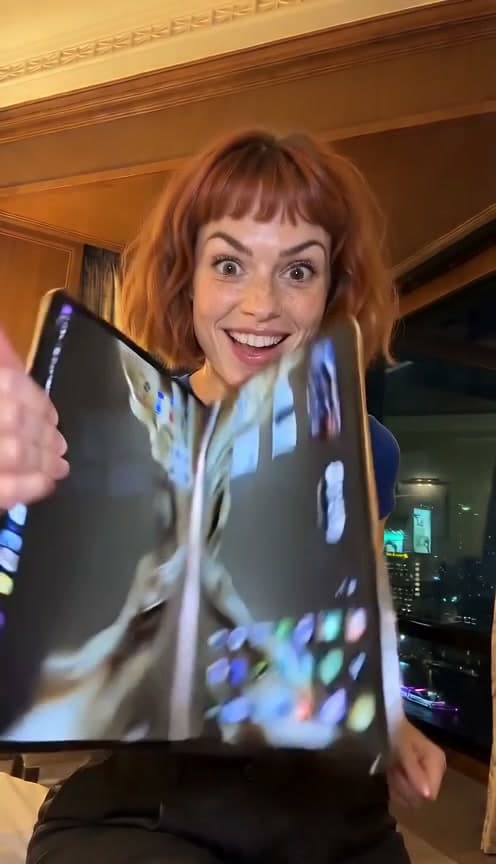 0:15
0:15Audio included. Turn on sound to hear this template’s track.
15 seconds · 480p · Vertical MP4 · Audio included
$6.99 for 1 video · Choose a pack at checkout
No sign-in required. Enter your email at checkout to receive your video. Sign in to use videos you already bought
See the input photo and the complete result. Watch the phone open into a large screen, fly upward and become part of the dance.
iPhone Kupi Dance AI, also searched as iPhone Duo Trend AI, turns a photo into a playful phone-unfolding dance. This Bopreel template makes a 15-second vertical MP4 at 480p with the audio heard in the example.
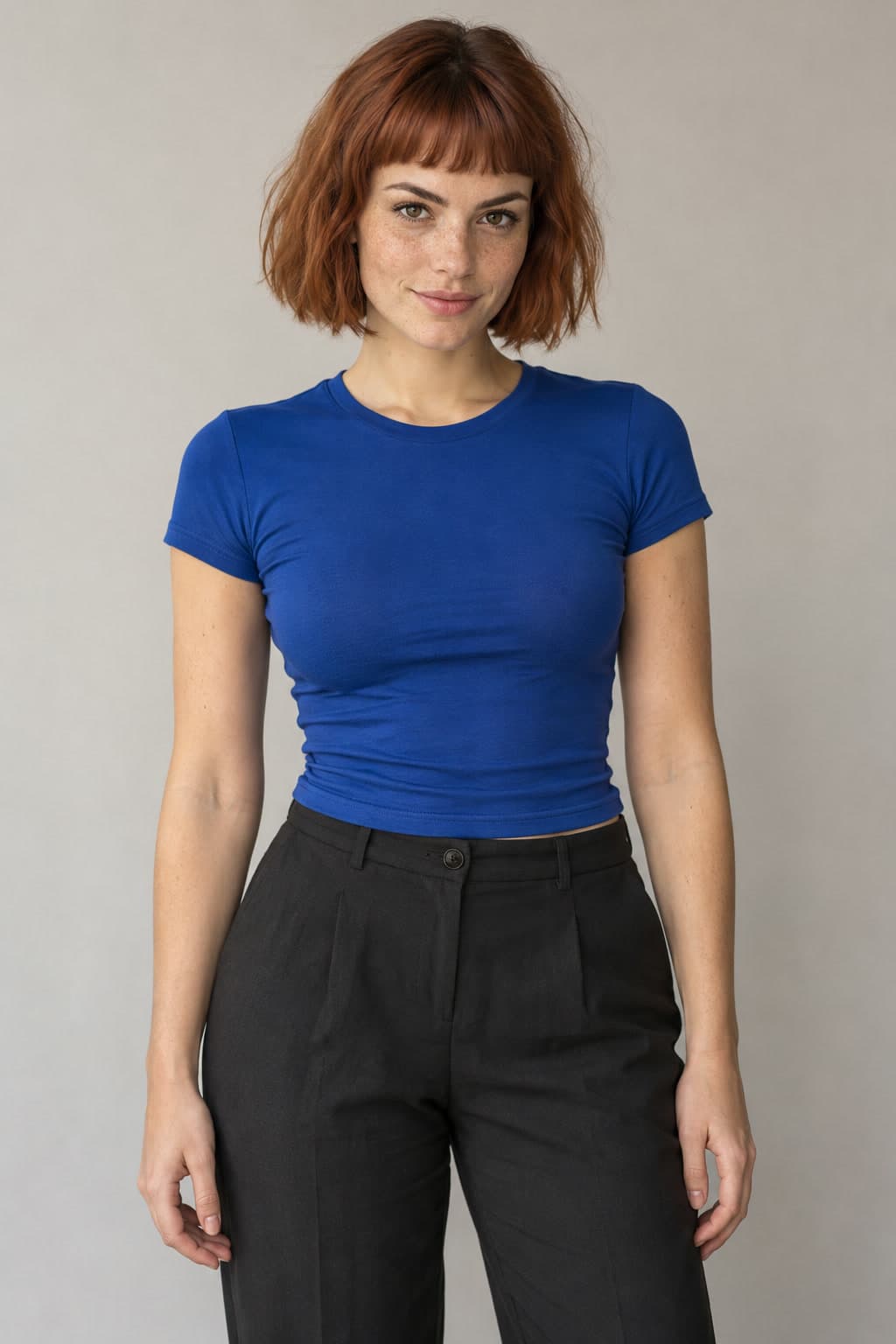 0:15
0:15A fictional AI demo person, not a customer. Your result follows the same routine and audio; faces, hands and device details can vary.
Play the full sample. Add one clear photo of one person and confirm you have permission to use it.
Choose a one-time pack at checkout, or use a video you already bought. No sign-in is required for checkout.
We email you when it is ready. Preview the complete result and download your MP4 from My videos.
The performer starts in a hotel room, unfolds a phone into a larger electronic display, shows the screen, steps back, tosses it upward and continues the dance. The oversized folding device is part of the AI effect.
Your photo supplies the person and clothing. The template supplies the routine, scene and audio. You do not need to upload a phone or laptop, choose a model or write a prompt.
People use both names when looking for this phone-dance effect. Versions can differ, so the full video on this page shows exactly which routine and soundtrack this template uses. Bopreel is not affiliated with Apple.
A visible face, arms and clothing give the model a useful starting point. You do not need to hold a phone.
JPG, PNG, WebP or HEIC · Up to 20 MB · At least 300 × 300 pixels
AI can alter facial details, fingers, clothing and device geometry. The folding phone is an AI effect, not a real product demonstration.
Choose a one-time pack at checkout. Each iPhone Kupi Dance includes a 15-second 480p video with audio.
Payment starts the video you prepared. Extra videos stay available for another trend.
If generation fails, request up to 3 free retries from My videos. This applies to failed generations.
No subscription. Checkout is handled by Stripe.
Already have videos left? Use 1 and skip checkout.
It turns a photo into the phone-unfolding dance shown above. The phone expands into a large display before the toss and dance. Watch the full sample to see this version.
No. Upload one photo of one person. The fixed video reference supplies the phone, unfolding screen and hotel scene.
A complete 15-second vertical MP4 at 480p, with the template audio and no added Bopreel watermark.
No. The oversized folding phone is an AI visual effect. It does not depict an actual Apple product.
The routine and audio are fixed, but AI results vary. Facial features, fingers, screen content, device edges and fast movements can change.
One generation uses 1 video from a one-time pack. See the prices above; there is no subscription or free generation tier.
Generation time varies with the queue. You can close the page after it starts; we email you when the video is ready.
Once a video is marked failed, you can request up to 3 free retries from My videos, with the same or a new photo. Free retries do not apply to completed videos you want to change.
Your finished video stays available for 30 days after completion. Uploaded photos are scheduled for cleanup after 7 days; photos still needed for an active order are retained until it no longer needs them. See our Privacy Policy.
This template is designed for one person. Choose a clear photo showing one face and visible arms.
Watch the complete example, upload one photo and step into the routine.
Make My iPhone Dance1 photo · 15 seconds · 480p · Audio included